
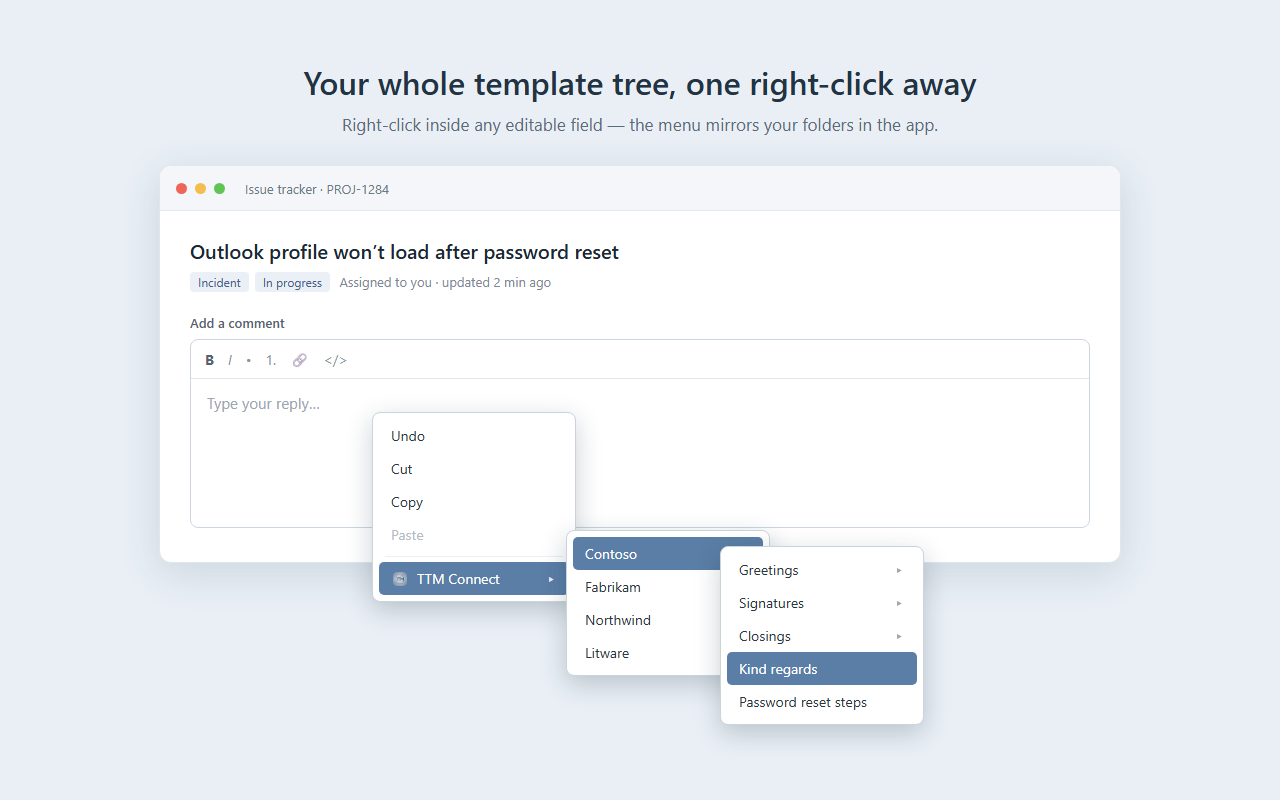
Your tree, one right-click away
The TTM Connect submenu mirrors the folders in the desktop app, nested just as you keep them. Open it from any editable field.
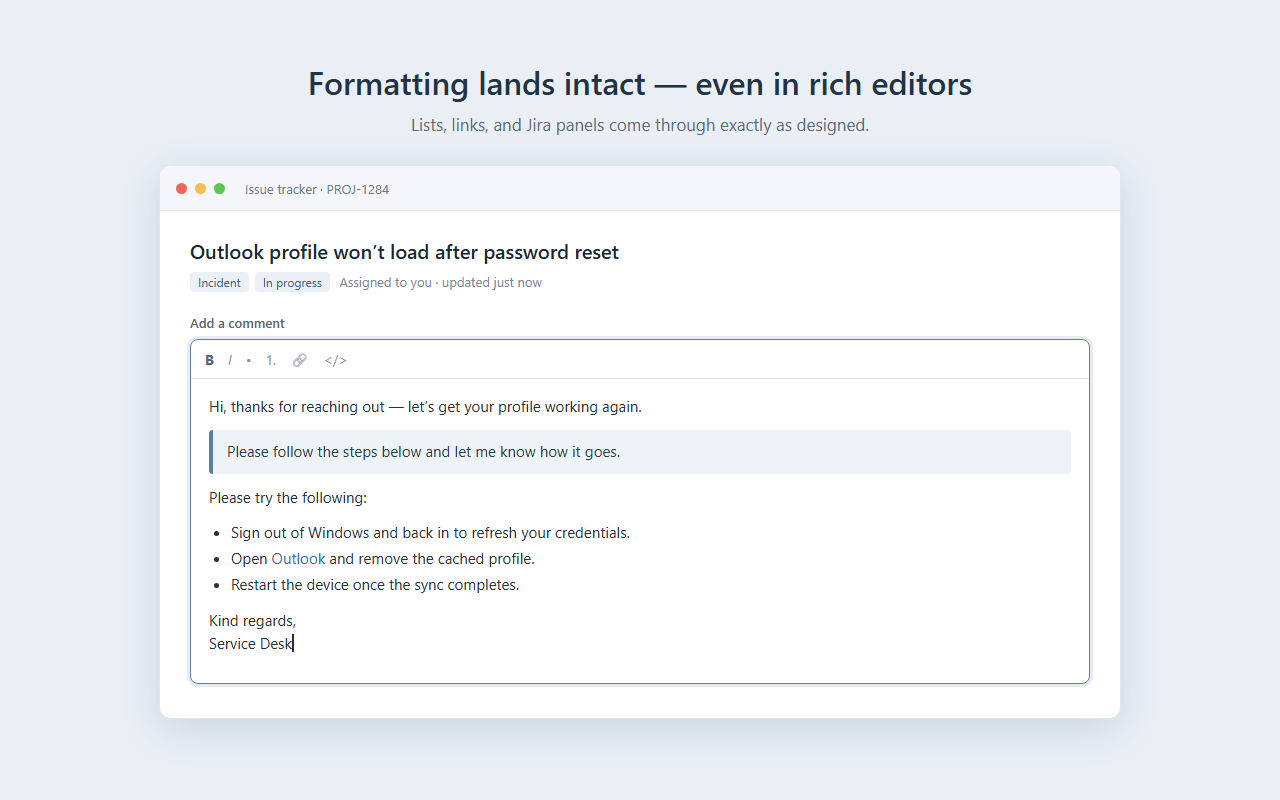
Formatting lands intact
Lists, links, headings and Jira panels come through as designed. Each template inserts as HTML, Jira, Markdown, plain text or RTF.
Paste modes your way
Let every template use its own mode, or set one default for all. On Firefox, Ctrl+click any template to force plain text.
Save a selection as a template
Select text on a page, then TTM Connect ▸ Create template from selection — it's saved as a new template in the app, formatting kept.
Always in sync
Add or rename a template in the app and the menu follows. It refreshes as you work, and the moment the menu opens on Firefox.
Private by design
The extension talks only to the app on your own PC, over the local loopback (127.0.0.1). No account, no servers, no tracking.
See it in action
Get TTM Connect
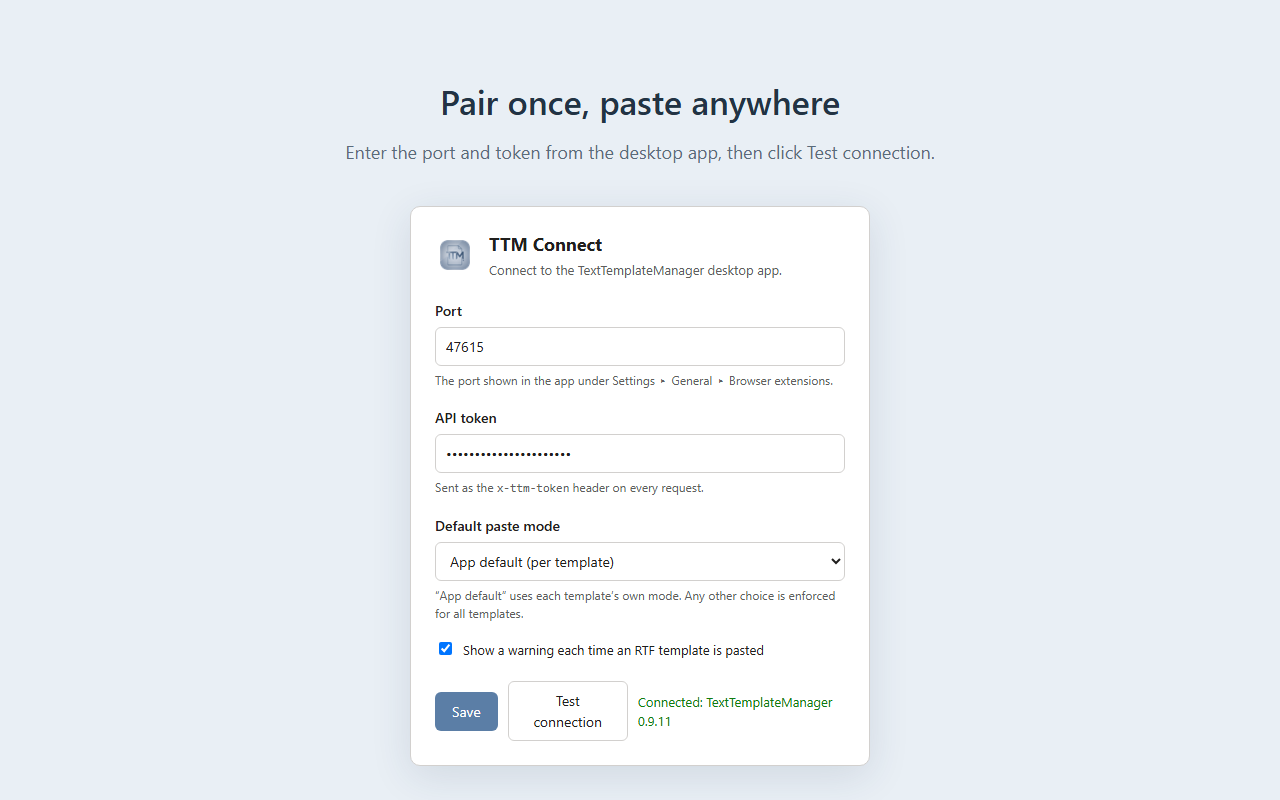
Install it from your browser's store, then pair it with the app in two fields. The full steps are in the user manual.
Chrome Web Store Edge Add-ons Firefox Add-ons
Needs the desktop app
TTM Connect is a companion for the free Marflow Software · TextTemplateManager desktop app (Windows) — it does nothing on its own. Get it from the Microsoft Store (or GitHub releases), see its documentation, then enable Settings ▸ General ▸ Browser extensions (beta) and note the port and token.

Documentation
User manual
Install, pair with the app, insert templates, paste modes, settings and limits.
Help & troubleshooting
Can't connect, an empty menu, nothing pasted — and how to report a problem.
Privacy
What the extension stores, and what it never sends anywhere.
Support
Questions: write to contact@kmarflow.com. A problem or an idea: by e-mail or on GitHub — Reporting a problem lists what to include. A security vulnerability: report it privately, see Reporting a security vulnerability. News and articles are on the blog at kmarflow.com.